Microstep Dev Diary — Day 1: Setting Up the Playground
Today’s Goal
Set up my development environment for React Native with Expo and run my very first “Microstep” app on my phone.
What I Did
Installed Node.js and confirmed the versions (
node -v,npm -v).Installed Visual Studio Code and added essential extensions (React snippets, Prettier, React Native Tools).
Installed Expo CLI and created my first project with:
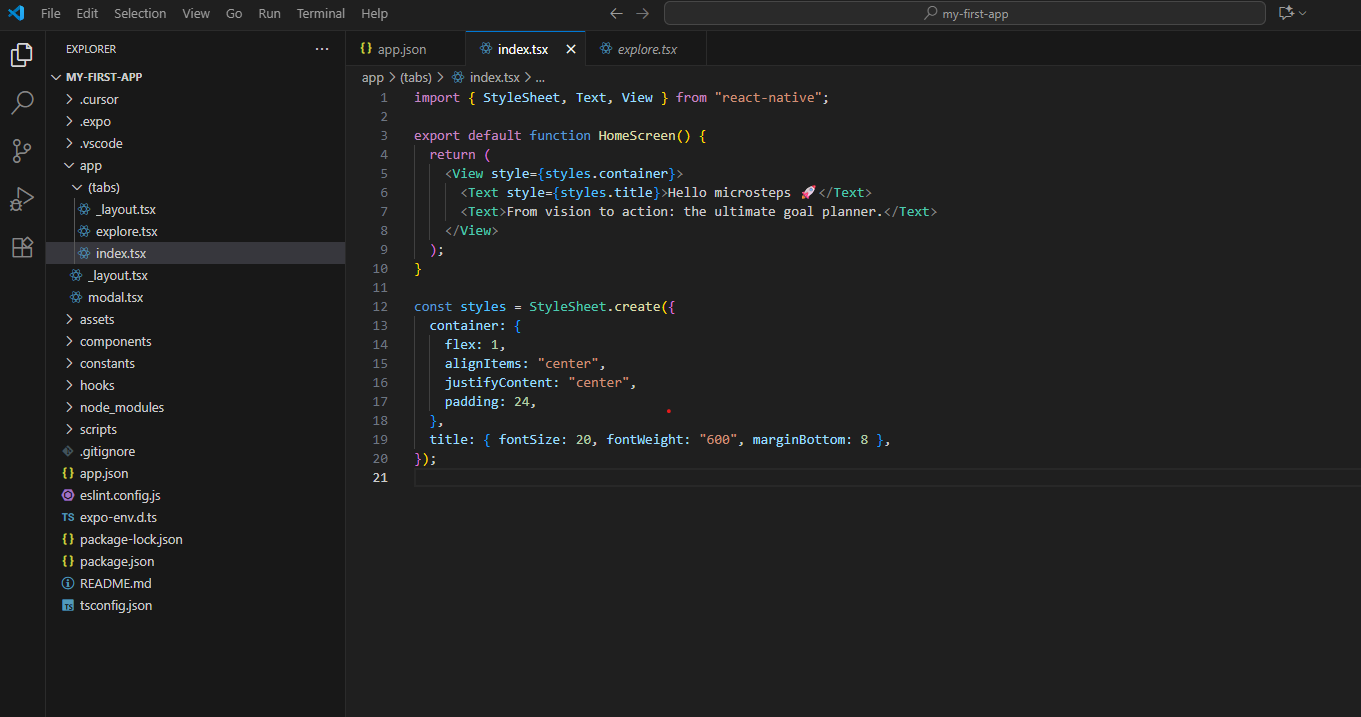
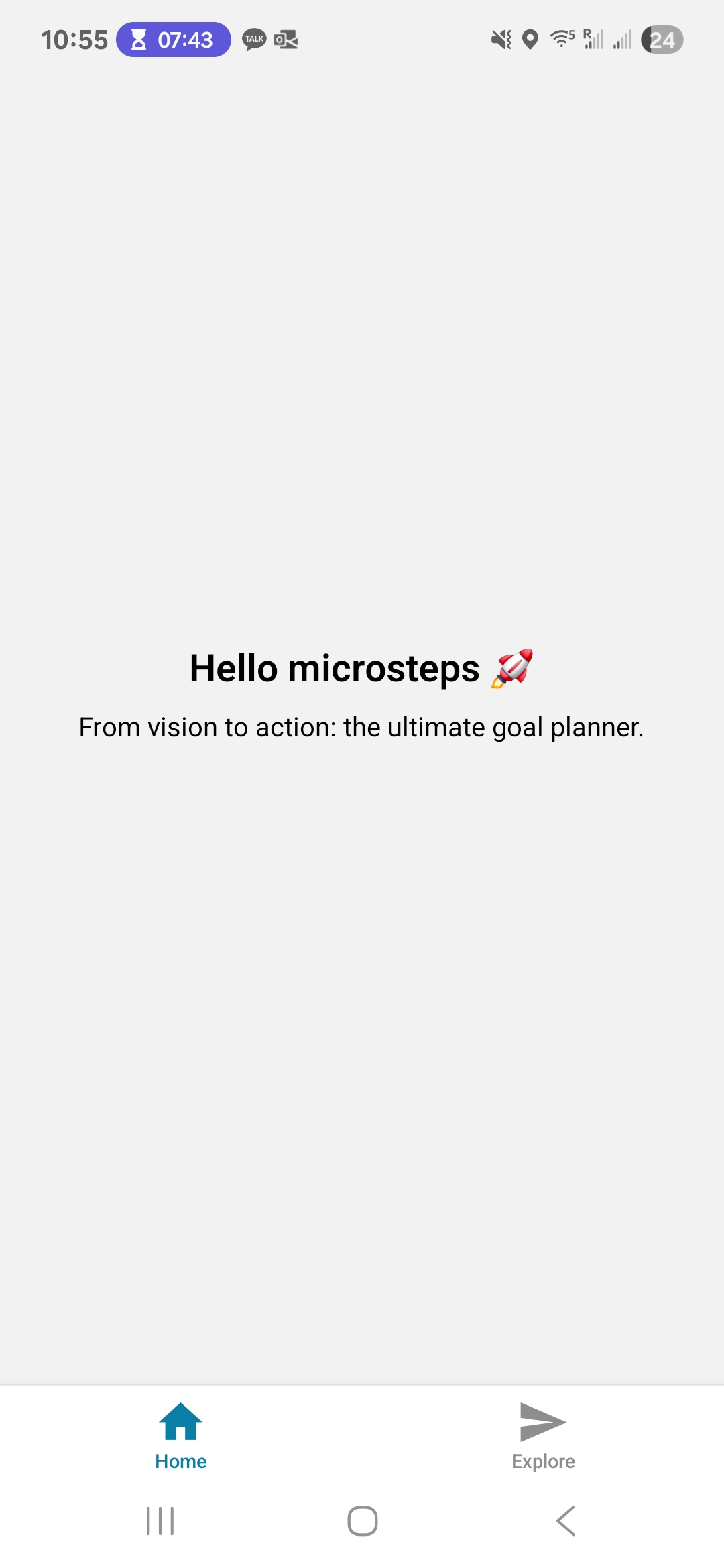
Opened the project in Expo Go on my phone and saw the default React Native screen 🎉.
Challenges & Fixes
It took me some time to understand how Visual Studio Code, PowerShell, and Expo Go work together. But with ChatGPT’s explanations, I was able to piece things together and get the environment running.
Reflection
It’s just the very first step, but seeing an app running on my phone that I set up was exciting. This already feels like progress. This is proof that with microsteps, I can move forward one day at a time.
Next Step
Tomorrow I’ll explore the structure of this “Microstep” app — learning how React Native components are built, and making my first small edits. I’ll also set up a GitHub repo to start tracking my work.
Microstep 개발일지 — Day 1: 환경 세팅과 첫 앱 실행
오늘의 목표
React Native와 Expo로 개발 환경을 세팅하고, 내 휴대폰에서 “Microstep” 앱을 실행하는 것.
오늘 한 일
Node.js 설치 후 버전 확인 (
node -v,npm -v).Visual Studio Code 설치 및 필수 확장 프로그램 추가 (React snippets, Prettier, React Native Tools).
Expo CLI 설치 후 첫 프로젝트 생성:
스마트폰의 Expo Go 앱으로 실행 → 기본 React Native 화면 확인 🎉
문제와 해결
Visual Studio Code, PowerShell, 그리고 Expo Go가 어떻게 연결되어 작동하는지 이해하는 데 시간이 걸렸다. 하지만 ChatGPT의 설명 덕분에 차근차근 개념을 정리할 수 있었고, 결국 환경을 제대로 실행할 수 있었다.
느낀 점
아직은 단순히 환경을 세팅하고 기본 앱을 실행했을 뿐이지만, 내 휴대폰 화면에서 내가 만든 앱이 뜨는 순간 정말 설렜다. 항상 반복문에서 멈췄던 나로서는, 이 한 걸음이 벌써 성과처럼 느껴진다. 작은 마이크로스텝들이 모이면 확실히 앞으로 나아갈 수 있다는 걸 보여준다.
내일 할 일
내일은 이 “Hello World” 앱의 구조를 살펴보고, React Native 컴포넌트가 어떻게 구성되는지 배우며 작은 수정을 해볼 예정이다. 또한 GitHub 레포를 만들어 작업을 기록하기 시작할 것이다.